How it works
Save the date AI, from one photo
Upload a couple photo and AI paints a personal save-the-date film you can edit layer by layer—then download MP4 and PNG.
Create your save-the-date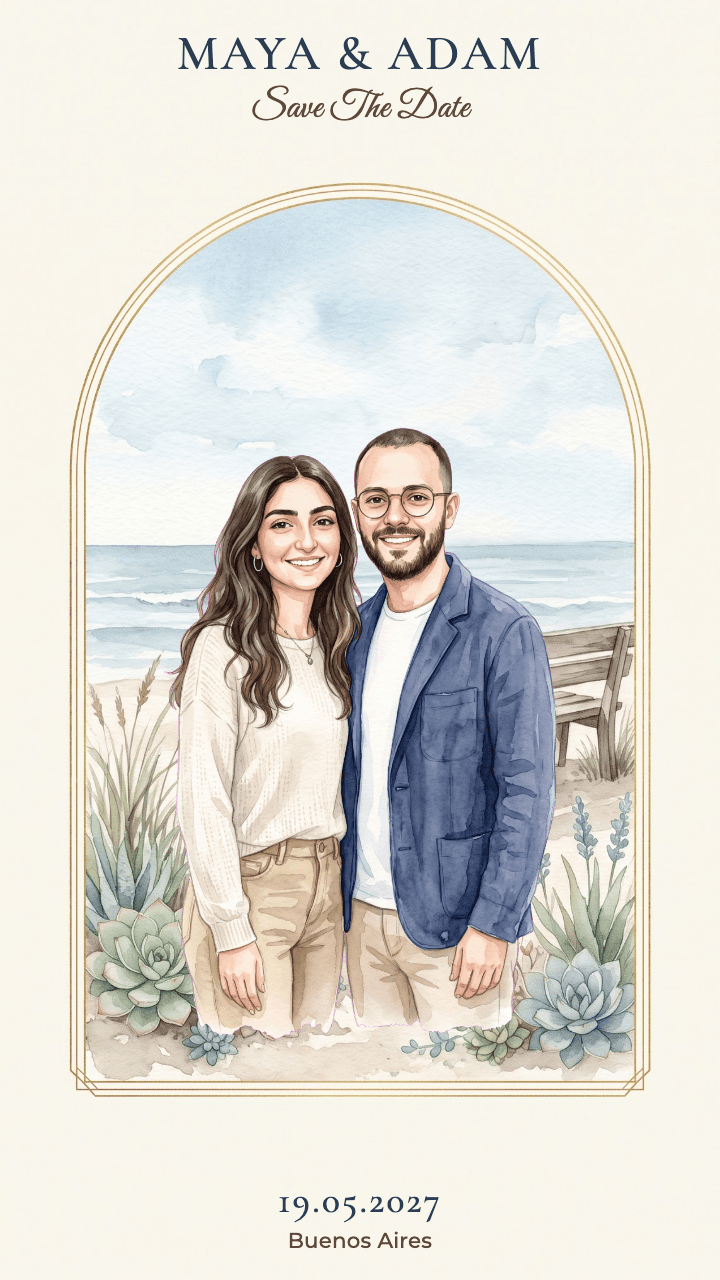
How it works
Three steps, no fuss
1. Upload a photo
One clear photo of the two of you. A selfie works great.
2. Pick your paintings
Browse dozens of paintings with your names already on them, heart the ones you love, and AI paints the two of you into just those.
3. Edit and share
Move the words, change fonts and colors, and download a finished film for Stories and WhatsApp.
What you get
Everything, ready to send
A vertical MP4
1080×1920, made for Stories, WhatsApp and TikTok.
A PNG image
To send, to print, or as an opening picture.
Your own music
Upload a song and it plays inside the video.
Full editing
Words, font, color, position and timing all work.
Questions
Good to know
- Which photos work best?
- A clear photo where we can see both of you, in good light and without sunglasses. You can upload up to four photos to improve the likeness.
- How long does it take?
- The scenes you chose are painted in a few minutes. The video is made only for the scene you pick, and takes about another minute.
- What happens to my photos?
- They are sent to an AI model with a paid key and are not used for model training. They are kept only in your project.
- Can I write in Hebrew and English?
- Yes. Names and words can be in any language, and the fonts are chosen so Hebrew looks great too.
- Can I change things after the AI is done?
- Of course. Every layer can be edited: move it, change the words, font, color and timing, or ask the AI to design the words again.